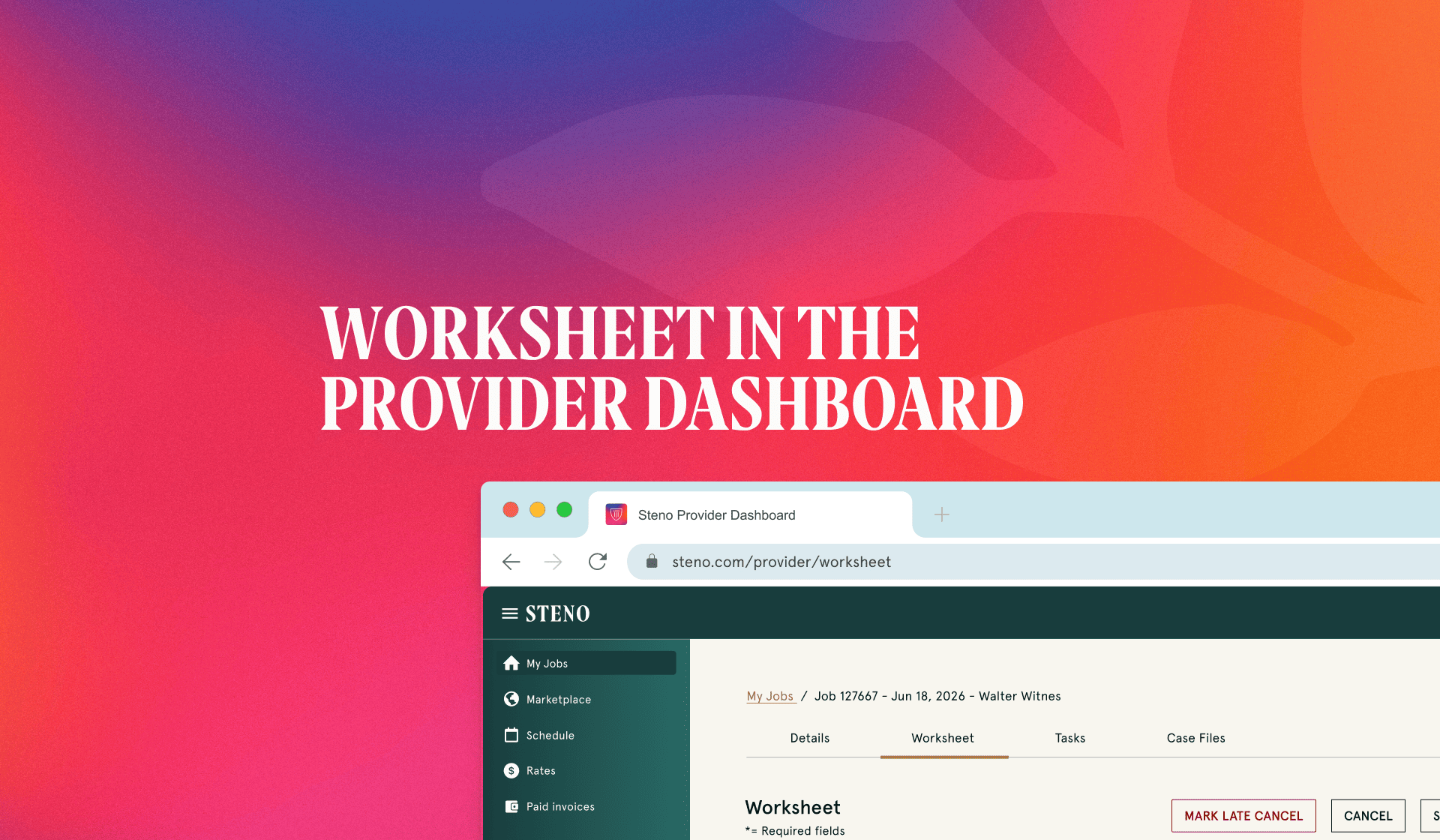
At Steno, we're always looking for ways to make things easier for the court reporters we work with. To that end, we've made a significant enhancement to the worksheet reporters use when submitting a job: that process now lives entirely within the Steno Dashboard. The new digital worksheet replaces the paper-and-scan routine with something built for the way reporters already work. You simply log in, fill it out, and submit it.
Previously, reporters entered job numbers, witness names, and other details manually with each submission. If a field was mistyped or left blank, it would sometimes come up after submission, prompting a follow-up email and a short delay before the job moved to payment.
What's New
With the new worksheet, fields that Steno already has on record, like job number and witness name, are pre-filled automatically. Reporters only enter what's new, which cuts down the time spent on the form and removes the redundant typing that came with the old workflow.
The form also validates entries in real time, before submission. Typos, missing fields, and formatting issues get flagged on the spot, so reporters can fix them right away instead of waiting to hear back from Steno. That means fewer correction emails and less time between submitting a job and getting paid for it.
And it all happens in one place. Reporters check upcoming jobs and submit worksheets from the same dashboard, with no printing, scanning, or emailing required to close out a job.
How It Works in Practice
Picture yourself wrapping up a deposition. You open the dashboard and submit the worksheet directly, with your job number and witness name already there waiting for you. If you miss a required field or mistype something, the form catches it immediately, so the fix happens on the spot instead of in a follow-up email later.
Or picture logging in on a different day to check what's next on your schedule. The worksheet for your last job is sitting right there in the same view. No separate email thread to track, no second login for a different system. That means less time spent on paperwork per job, and more time back for the work reporters are actually there to do.
Get Started
The new worksheet is live in your dashboard now. Log in to your Steno Dashboard to complete your next worksheet, or check out our step-by-step guide for a walkthrough of how it works.
Log in to your dashboard | View the walkthrough




.png)




.png)


.svg)


-1.svg)


.svg)