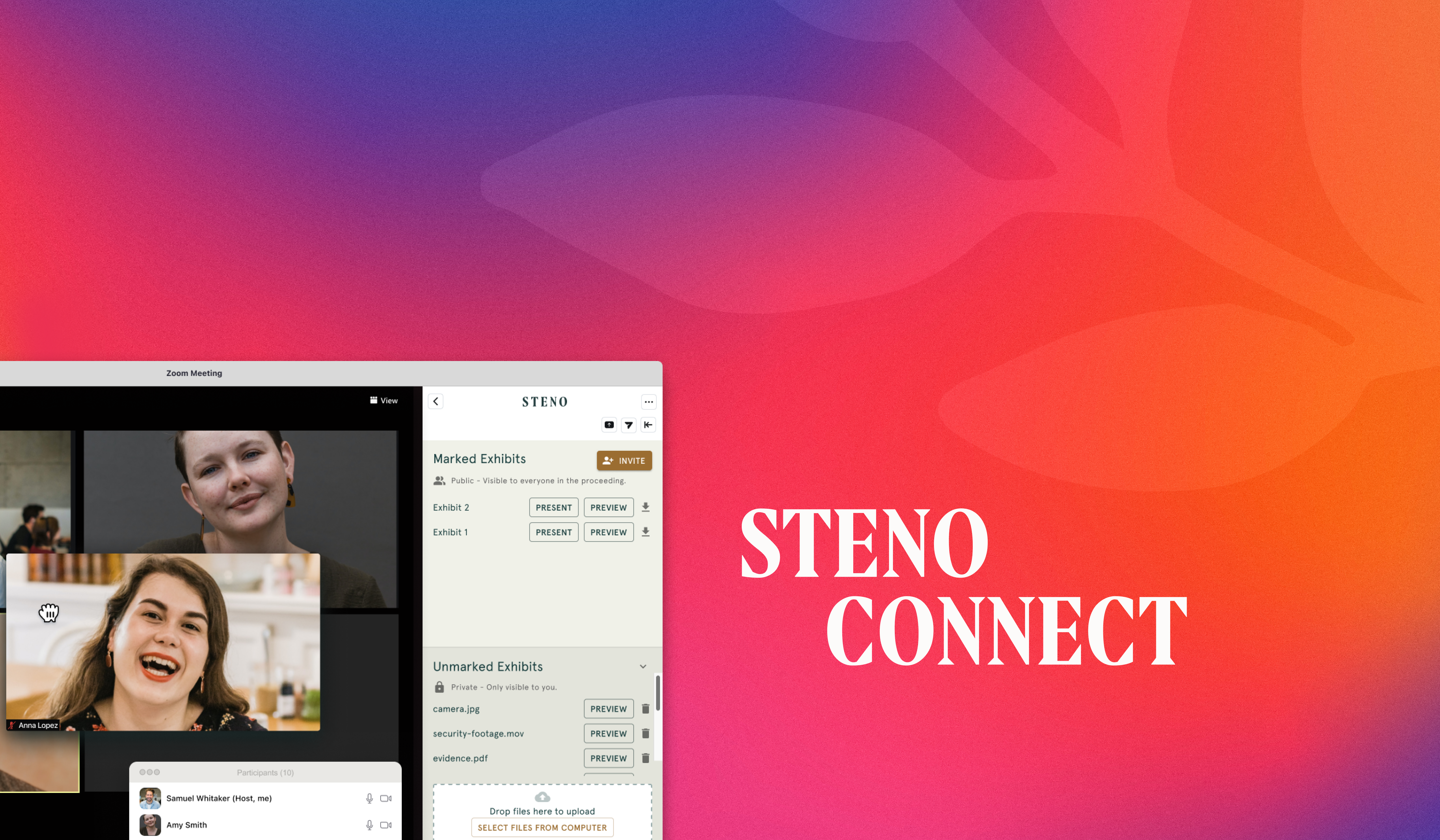
Steno Connect is Steno's app for remote depositions, combining Zoom's videoconferencing with exhibit handling built specifically for the deposition record. Attorneys upload, share, view, number, annotate, and download exhibits directly inside the Zoom window, without switching between separate apps. Two recent updates, both built from user feedback, make that exhibit workflow more precise.
Exhibit Label Control
The exhibit-marking modal used to lock in a hardcoded "Exhibit" prefix, which meant labels like "Exhibit Plaintiff's A" that were accurate to no one's record. Now, attorneys choose a prefix (Exhibit, Plaintiff's, Defendant's, or Custom) and pair it with a free-text identifier, producing labels that actually match the record: "Plaintiff's 1," "Defendant's Exhibit A," whatever the case calls for.
A live preview shows exactly how the label will read before it's applied. "Exhibit" remains the default if nothing's changed. One thing to note: labels persist for the current session only, not permanently.
Download All Exhibits
Exhibits have always downloaded one at a time, which gets slow on jobs with a lot of them and makes it easy to miss a file. The new "Download all exhibits" button packages every marked exhibit from a job into a single ZIP, named with a clear convention ([date]-[witness name]-[job ID]-Marked Exhibits.zip) so it's easy to find later without opening it.
Both updates shipped because users told us what was getting in the way. Keep the feedback coming.
Schedule a demo to see Steno Connect in action.




.png)




.png)


.svg)


-1.svg)


.svg)